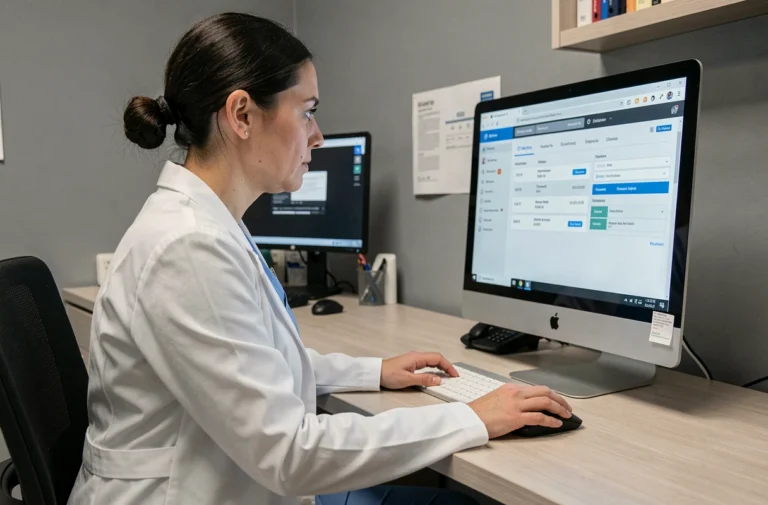
The Orchestra portal (orchestrav2.egiweb.net) relies on a reverse authentication model compared to most web services: the user does not create their account. It is the management office or the property manager that initiates the opening, generates an identifier, and links the account to one or more lots. Understanding this logic avoids most of the blockages encountered during the first connection on Orchestra.
Named account and rights linked to the lot on Orchestra
Each Orchestra account is linked to a lot identifier (co-ownership, rental apartment). The property manager or administrator assigns a temporary identifier associated with a declared email address in their business software. As long as this association is not made on the manager’s side, no access exists on the portal.
This operation has a direct consequence on changes in situation. When a lot is sold, the account of the former co-owner should be revoked and a new account created for the buyer. In practice, we observe that some offices delay updating the rights, which can lead a new occupant to receive identifiers still linked to the former owner.
Before any attempt to connect, it is therefore relevant to consult a guide to using the Orchestra portal to verify that your manager has indeed activated your space.
The key point to remember: without activation on the property manager’s side, no action on the user’s side will unlock access. If your manager confirms activation but you receive nothing, the problem is almost always at the level of the email address registered in the management software.
Temporary password and creation of the permanent password on Orchestra
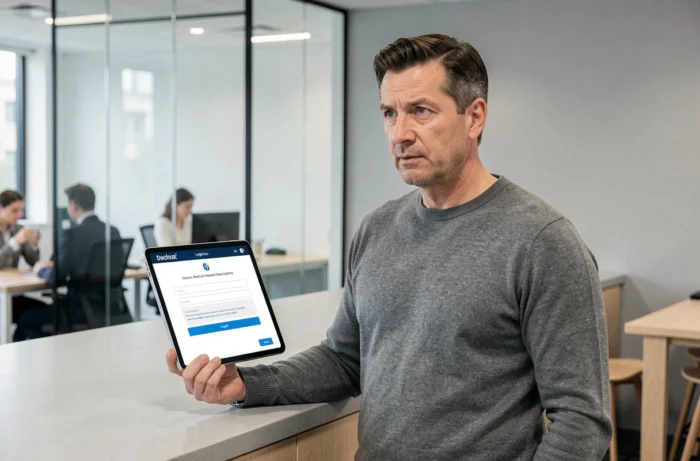
The sequence of the first connection to Orchestra follows a two-step scheme. The portal first sends a temporary password to the declared email address. This password has a limited validity period. If the link expires before use, the procedure must be restarted from the portal’s identification page.
Request for the temporary password
On the homepage of orchetrav2.egiweb.net, the temporary password request function requires entering the exact email address that appears in the manager’s system. A difference of just one character (hyphen, dot, alias) is enough to cause a silent failure, without an explicit error message.
We recommend asking the office for written confirmation of the registered email address. This is more reliable than testing multiple variants, as multiple failed attempts can trigger a temporary lock on the sending mechanism.
Definition of the personal password
Once the temporary password is received and entered, the portal requires the creation of a permanent password. The complexity constraints vary according to the version deployed by the office, but generally include:
- A minimum length (often eight characters) combining uppercase letters, lowercase letters, and numbers
- The prohibition of reusing the identifier or email address as a password
- A rejection of character sequences that are too predictable (123456, azerty)
The permanent password conditions all future accesses. Orchestra does not yet offer a passkey-type mechanism across all its deployments, although this technology, based on a pair of cryptographic keys linked to the exact domain of the service, is beginning to spread in the authentication sector. For now, the email and password combination remains the only common access method.
Personal data and GDPR framework of the Orchestra portal
Orchestra publishes sensitive data: account situations, fund calls, charge statements, general meeting documents. The portal’s identification page details the purposes of processing the collected data.
The data is communicated solely to the data controller, i.e., the mandated office. The retention period is defined by this controller, which means in practice that it depends on the current property management contract or rental management mandate.
- The extranet must allow for the dematerialized provision of documents related to the management of the building
- For tenants, the portal provides access to documents related to the management of the occupied apartment
- The electronic payment of rents, charge provisions, or co-ownership shares can also be processed through the portal
- The user can exercise their rights of access, rectification, and deletion with the data controller
A rarely mentioned point: the revocation of access after a change of tenant or a sale of a lot is the responsibility of the manager. If you have just acquired a property and the former owner retains active access, the office must deactivate the old account before creating a new one.
Digital accessibility and regulatory evolution for co-ownership extranets
The European Accessibility Act, whose provisions apply from June 28, 2025, concerns certain private digital services intended for the general public. Depending on the exact scope of the service, a portal or client space may need to be usable with assistive technologies (screen reader, keyboard navigation). Existing services may benefit from a transitional period until June 28, 2030.
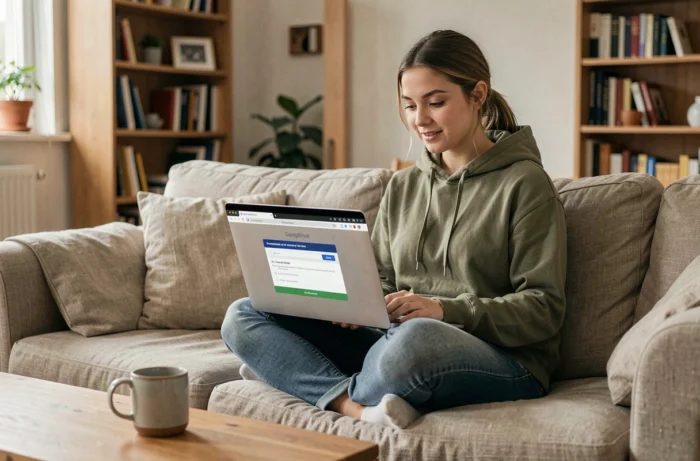
For a co-owner or tenant using assistive technology, the first connection on Orchestra may pose difficulties if the identification forms do not comply with accessibility standards. This issue depends on the technical provider (Egiweb) and the version deployed.
Accessibility compliance is not a criterion that the end user controls, but it can be raised with the property manager during the general meeting or in discussions with the manager. An inaccessible extranet constitutes a real barrier for a significant portion of co-owners, and European regulations are now pushing publishers to correct these shortcomings.
The first connection to the Orchestra portal primarily depends on the quality of the activation performed by your manager. Verifying the registered email address, ensuring that the rights correspond to the correct lot, and defining a robust password are the three steps that condition functional and secure access to your management documents.